

Integrations
Connect the sites where customers review you.
In the dashboard
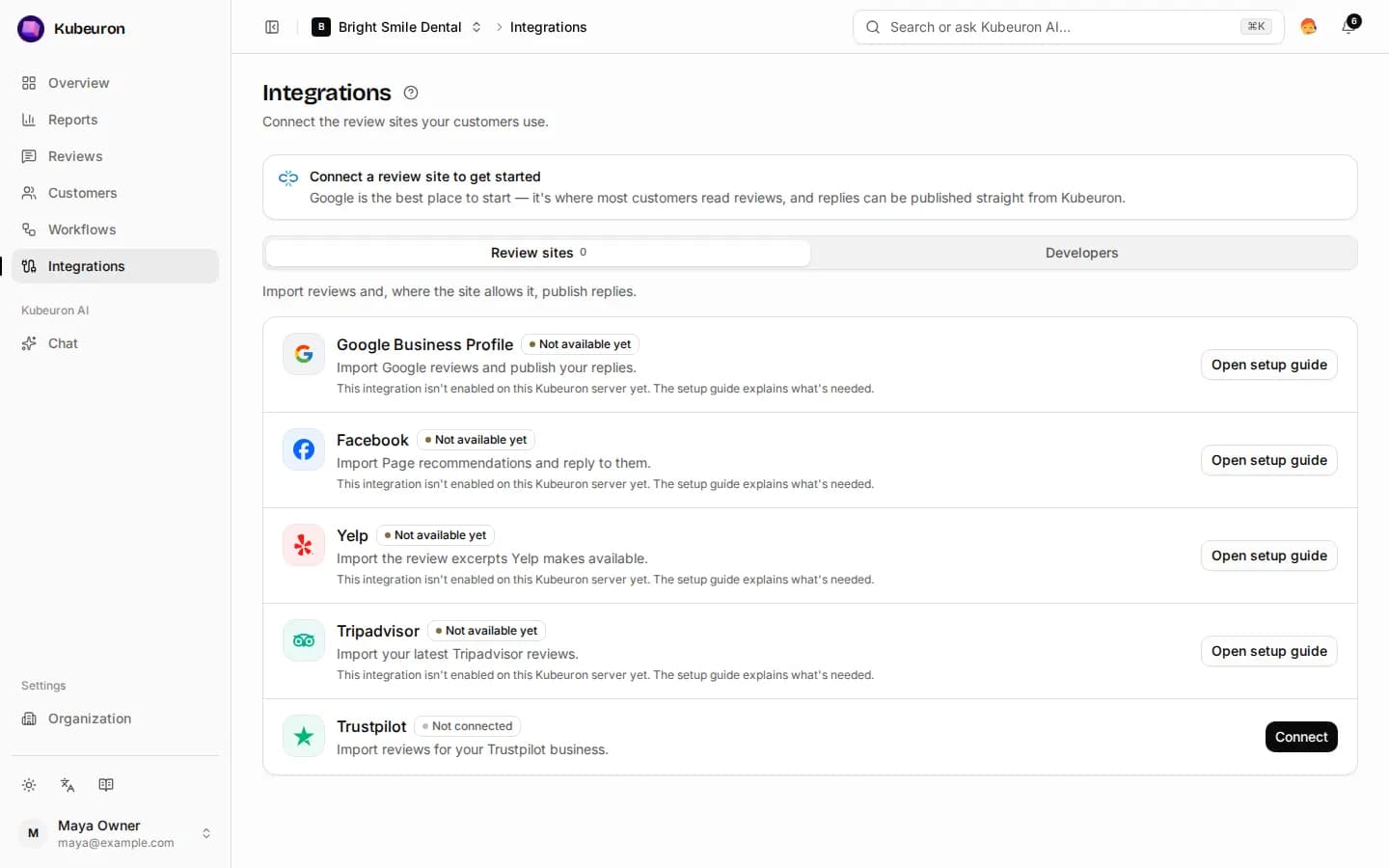
Connect the sites where your customers review you. Kubeuron imports their reviews and, where the site allows it, publishes your replies.
Review sites
| Site | How to connect | Reply from Kubeuron |
|---|---|---|
| Google Business Profile | Sign in with Google | Yes |
| Sign in with Facebook | Yes | |
| Yelp | Your business ID | No |
| Tripadvisor | Your location ID | No |
| Trustpilot | API key and business unit ID | No |
Each card shows the linked account and the last sync. Sync now imports new reviews immediately; duplicates are skipped. Disconnecting stops syncing but never deletes imported reviews.
Google Business Profile
- Select Connect on Google Business Profile.
- Sign in with the Google account that manages your listing and approve access.
- Kubeuron finds your location. Select Sync now to import your reviews.
If no profile is found, sign in with the account that manages the listing. If the connection expires, reconnect it.
Yelp, Tripadvisor and Trustpilot
- Yelp: enter the part of your Yelp page URL after
/biz/. Yelp shares only three review excerpts per business. - Tripadvisor: enter the location ID from your listing URL. Up to five recent reviews are imported per sync.
- Trustpilot: enter your API key, business unit ID and website domain from your Trustpilot business account.
Reply to these reviews on the site itself. Kubeuron copies your reply for you.
Developers
Owners and admins can send review events to other tools with signed webhooks, or read reviews with a read-only API key. Set these up in Integrations → Developers and Organization → API keys.